
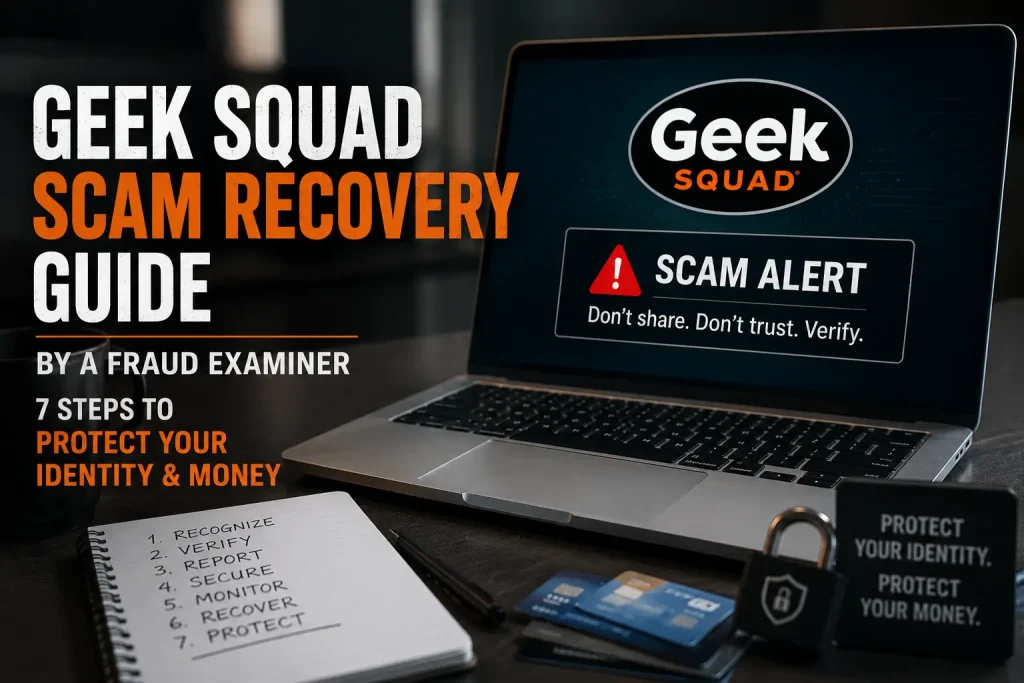
You just received an email or phone call from someone claiming to be Geek Squad. It looks official. It sounds urgent. And now you’re not sure what just happened or what to do next.
You’re not alone. According to the FTC, tech support scams cost Americans over $924 million in 2023 alone, and Geek Squad impersonation is one of the most reported variations. As a Certified Fraud Examiner, I’ve reviewed hundreds of these cases. This guide walks you through exactly what to do if you’ve been targeted or victimized.
What Is the Geek Squad Scam?
The Geek Squad scam is a form of tech support fraud where criminals impersonate Best Buy’s Geek Squad service. They typically contact victims through:
- Fake auto-renewal emails showing charges of $300 to $500
- Unsolicited phone calls claiming your device has been compromised
- Pop-up browser alerts with fake Geek Squad branding
- Text messages with fake invoice links
Their goal is always the same: get you to call a fake support number, hand over remote access to your computer, or send money via gift cards or wire transfer.
7 Expert-Backed Steps to Protect Your Identity & Money After a Geek Squad Scam
Step 1: Stop All Contact Immediately
The moment you suspect a scam, hang up, close the chat, or delete the email. Do not call back any number listed in the message. Scammers rely on keeping you engaged and emotionally stressed. Cutting contact is your single most powerful first move.
Step 2: Revoke Remote Access If You Granted It
If you allowed a scammer remote access to your computer via tools like AnyDesk, TeamViewer, or Quick Assist, disconnect immediately.
- Windows: Go to Settings > System > Remote Desktop and turn it off
- Uninstall any remote access software they asked you to install
- Run a full antivirus and malware scan using trusted software like Malwarebytes
Step 3: Contact Your Bank or Credit Card Company
If any payment was made even a small one call your bank’s fraud line right away. Ask them to:
- Reverse or dispute the transaction
- Flag your account for suspicious activity
- Issue a new card if your card details were shared
Pro tip from my case files: Gift card payments are nearly impossible to recover. If you paid via gift card, report it to the gift card issuer immediately. Some companies have fraud recovery programs.
Step 4: Change All Compromised Passwords
If a scammer had access to your screen, assume your passwords are compromised. Prioritize changing:
- Email accounts (especially Gmail, Outlook, Yahoo)
- Online banking and investment accounts
- Social media and shopping accounts
- Any account that uses the same password as the above
Enable two-factor authentication (2FA) on every account you update. This single step blocks 99% of automated account takeover attempts.
Step 5: Place a Fraud Alert or Credit Freeze
If personal identifying information (name, SSN, date of birth) was exposed, contact the three major credit bureaus, Equifax, Experian, and TransUnion, and do the following:
- Place a free fraud alert (lasts 1 year, renewable)
- Consider a credit freeze (free and more protective)
- Request free credit reports at AnnualCreditReport.com
Step 6: Report the Scam to the Right Authorities
Reporting helps shut down scam operations and may help you recover funds. File reports with:
- FTC (Federal Trade Commission): ReportFraud.ftc.gov
- FBI Internet Crime Complaint Center (IC3): ic3.gov
- Your state’s Attorney General office
- Best Buy’s official fraud reporting line (if Geek Squad was impersonated)
Step 7: Monitor Your Accounts for 6–12 Months
Scammers often sell stolen data to other criminals. The effects of a scam can appear weeks or months later in the form of new credit accounts, tax fraud, or account takeovers. Set up:
- Free credit monitoring via Credit Karma or your bank
- Google Alerts for your name and email address
- Account activity alerts on all financial accounts
How to Spot a Geek Squad Scam Before It Happens
Prevention is always better than recovery. Based on hundreds of reviewed cases, here are the most common red flags:
- Unsolicited contact: Real Geek Squad never calls, emails, or texts you out of the blue
- Urgent payment requests: Demands for gift cards, wire transfers, or cryptocurrency
- Remote access requests: Asking to install software on your device
- Generic greetings: “Dear Customer” instead of your real name
- Suspicious email domains: Geek Squad only emails from @bestbuy.com
Geek Squad Scam vs Real Geek Squad Support
| Real Geek Squad Support | Geek Squad Scam |
|---|---|
| Comes through official Best Buy channels or services you already use. | Usually starts with an unexpected email, call, text, or pop-up message. |
| Does not pressure you to act immediately. | Creates panic by saying your account, device, or payment is at risk. |
| Lets you verify information through your Best Buy account. | Tells you to call a random phone number or click a suspicious link. |
| Uses official Best Buy websites and account pages. | Uses fake websites, look-alike email addresses, or fake support pages. |
| Will not ask for gift cards, cryptocurrency, or unusual payment methods. | Often demands gift cards, wire transfers, or direct payments. |
| Does not ask for unnecessary remote access to your computer. | May ask you to install remote access software like AnyDesk or TeamViewer. |
| Gives you time to review charges or services. | Pushes you to make quick decisions before you can verify anything. |
| Communicates professionally and provides normal support steps. | Uses fear, threats, or confusing technical language to manipulate you. |
| You can contact support through trusted Best Buy contact options. | Provides contact details only inside a suspicious message. |
Frequently Asked Questions About Geek Squad Scam
Q1: Can I get my money back after a Geek Squad scam?
It depends on how you paid. Credit card and bank transfer payments have the best recovery rate report them to your bank immediately. Gift card and wire transfer payments are much harder to recover. Filing a report with the FTC and IC3 can support any official investigation.
Q2: Is the Geek Squad renewal email always a scam?
Not always, Best Buy does send legitimate renewal emails for Geek Squad Protection plans. The key difference: legitimate emails come from @bestbuy.com, include your full name, and never ask you to call a random phone number or provide your bank details via email.
Q3: How do i cancel my geek squad renewal?
Q4: What if I gave the scammer access to my computer?
Act fast. Disconnect the remote session, uninstall any software they installed, run a full malware scan, and change all passwords. If you use online banking on that device, notify your bank immediately and consider temporarily freezing your accounts.
Q5: How do I report a Geek Squad scam email?
Forward the scam email to spam@uce.gov (FTC spam database) and report it at ReportFraud.ftc.gov. You can also forward it to Best Buy’s official fraud team at fraudalert@bestbuy.com. Do not click any links in the email before doing so.
Conclusion
The Geek Squad scam works because it exploits fear and urgency. Once you know the playbook, it loses its power. If you’ve been targeted, follow these 7 steps in order and don’t delay, every hour matters when it comes to fraud recovery.
And if you haven’t been targeted yet? Share this guide with a family member or friend who might be at risk. Seniors are disproportionately victimized by this exact scam your share could save someone thousands of dollars.
Disclaimer: This article is for informational purposes only and does not constitute legal or financial advice. If you have been a victim of fraud, consult a licensed attorney or contact your local law enforcement agency.